
my go-to recommendations
The Birch & Bud
Resource Library
Whether you’re building your website or refining your business behind the scenes, the right tools make a real difference. These are the platforms and resources I use and recommend — thoughtfully chosen, well-tested, and genuinely helpful. You’ll also find a few exclusive discounts along the way 👀
now in the birch & Bud Design Co. shop
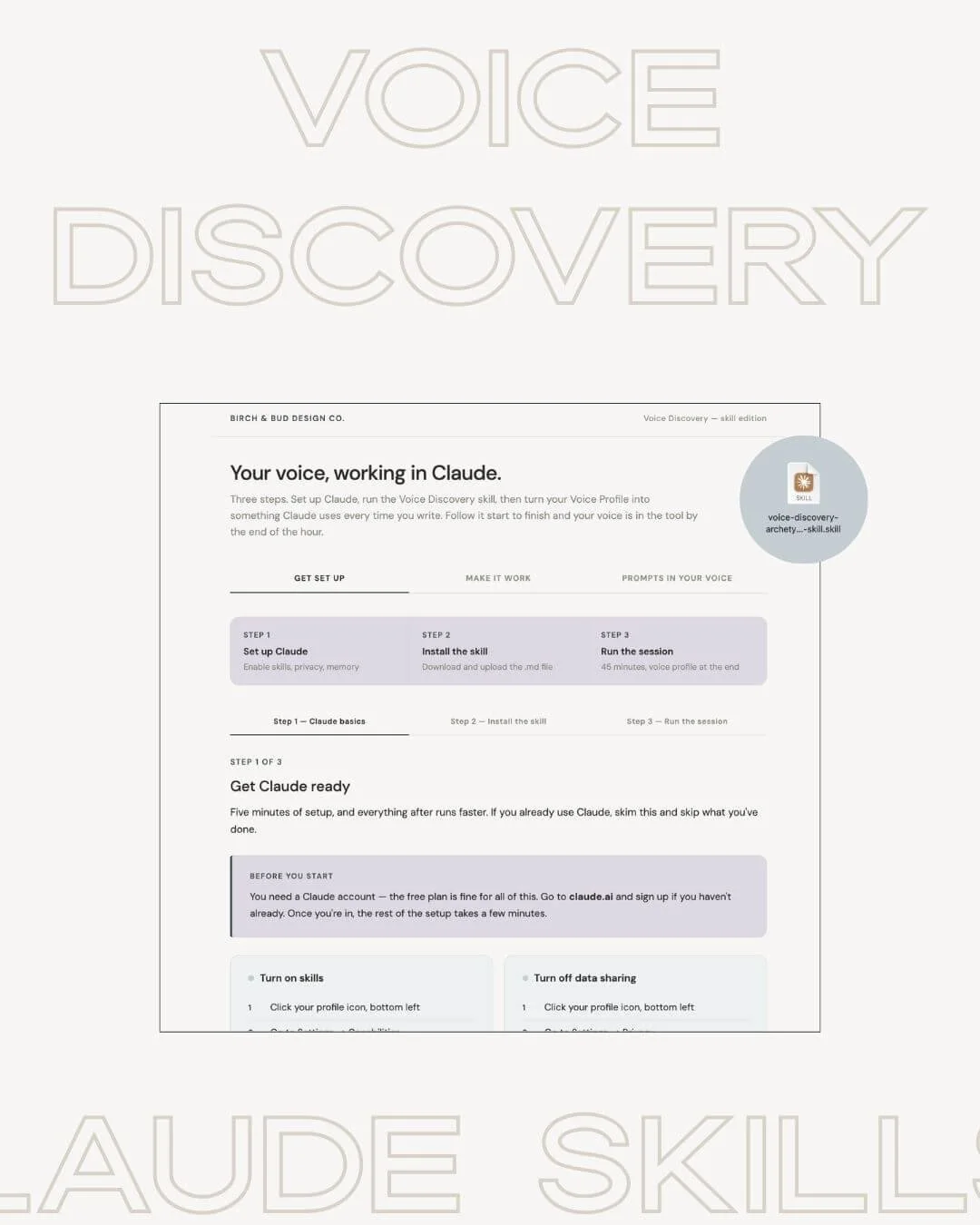
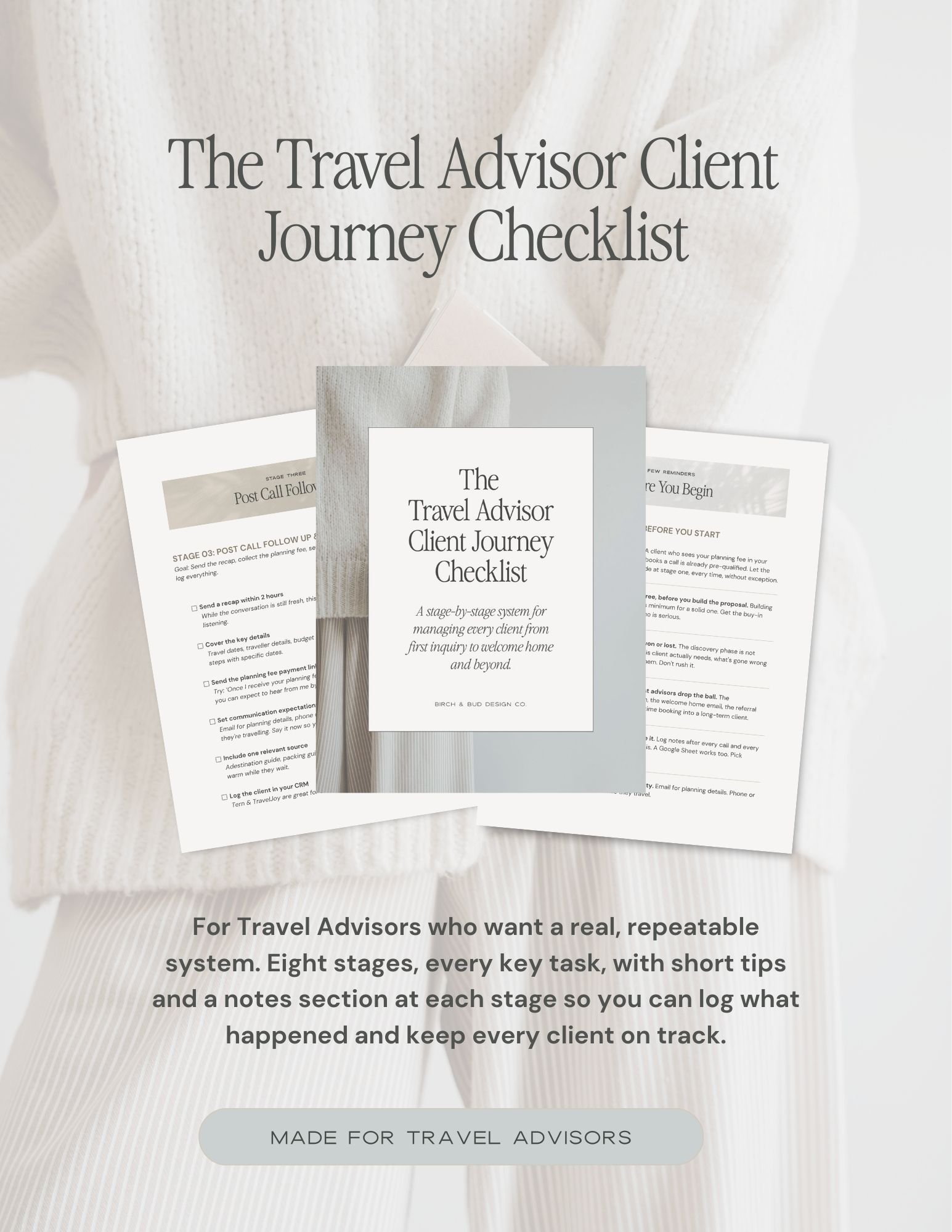
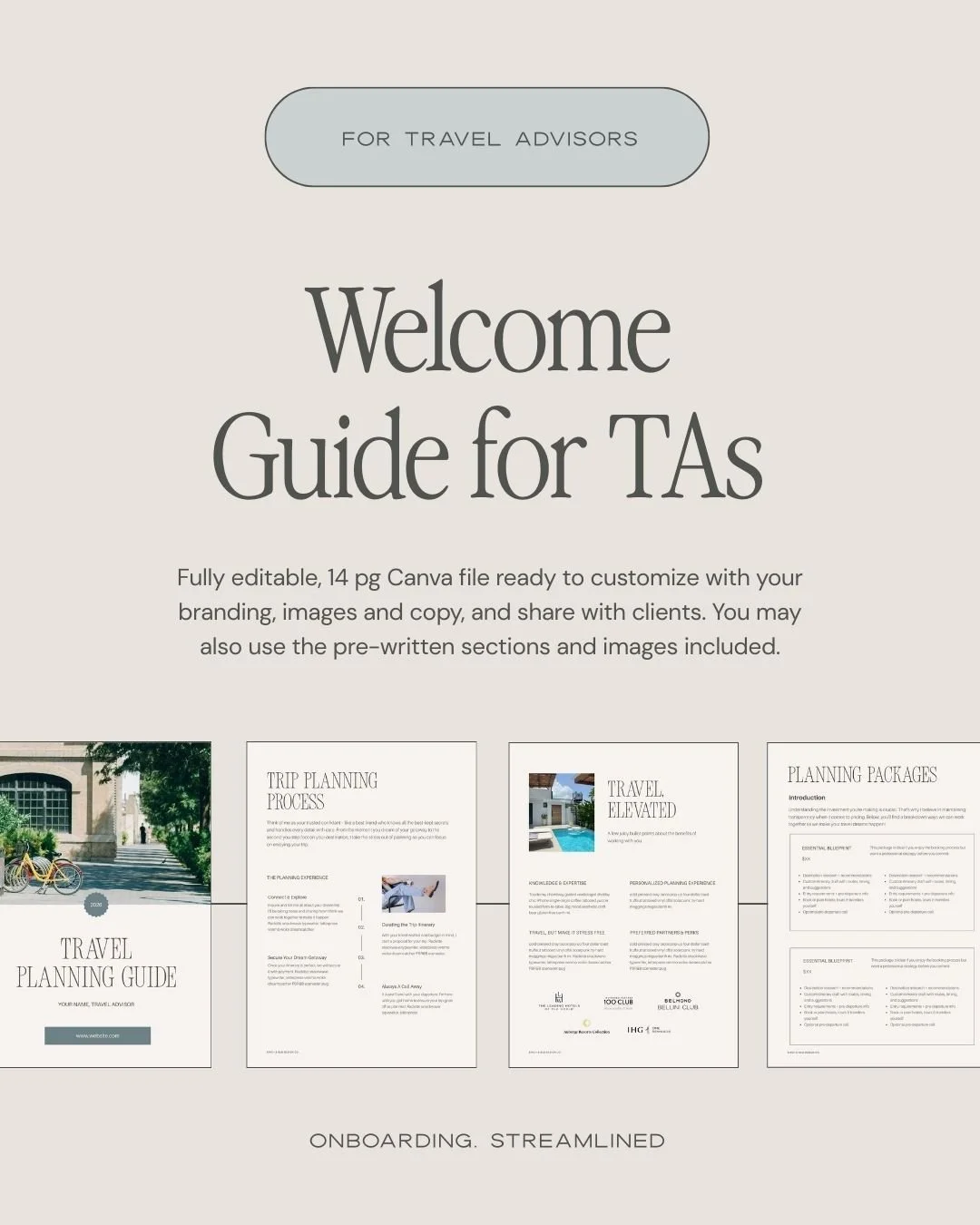
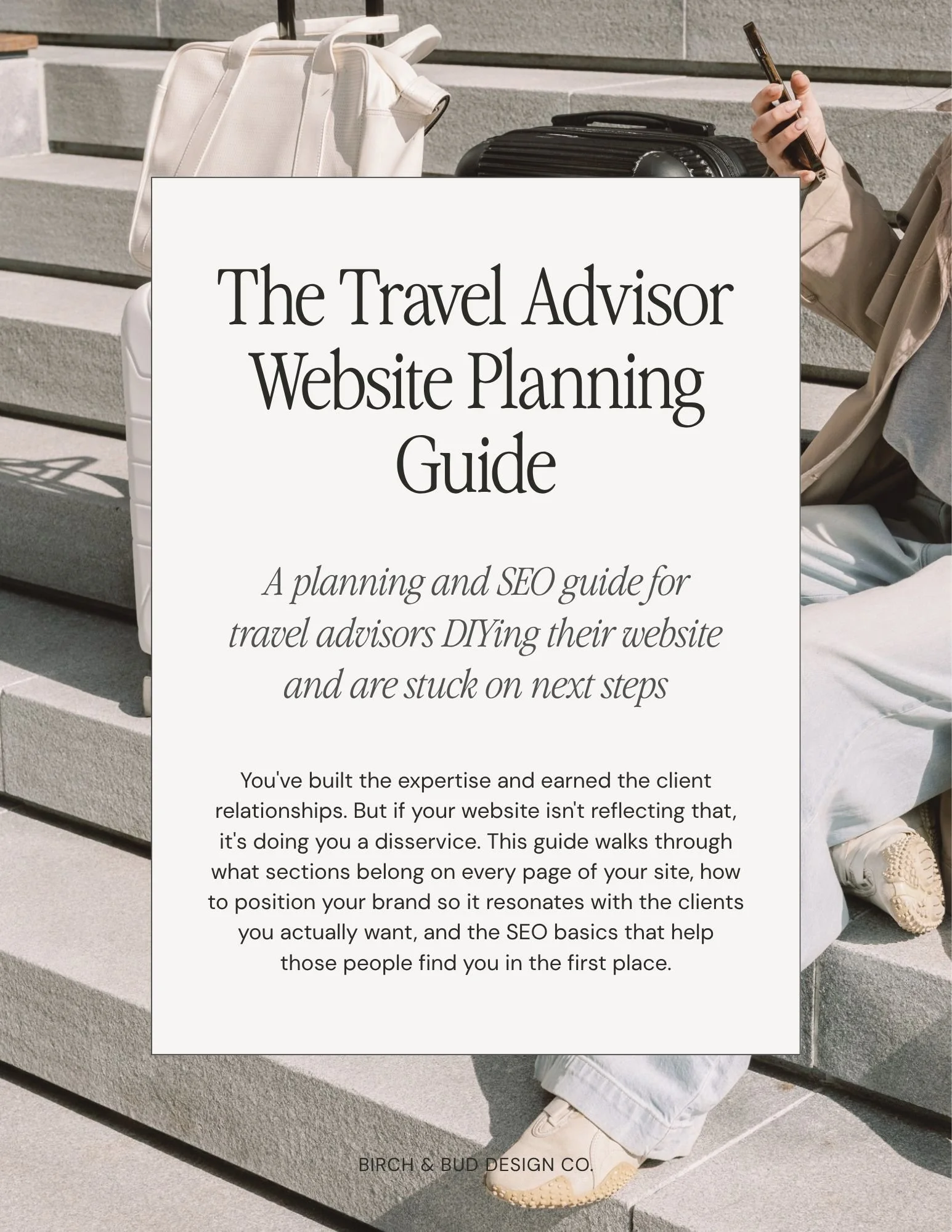
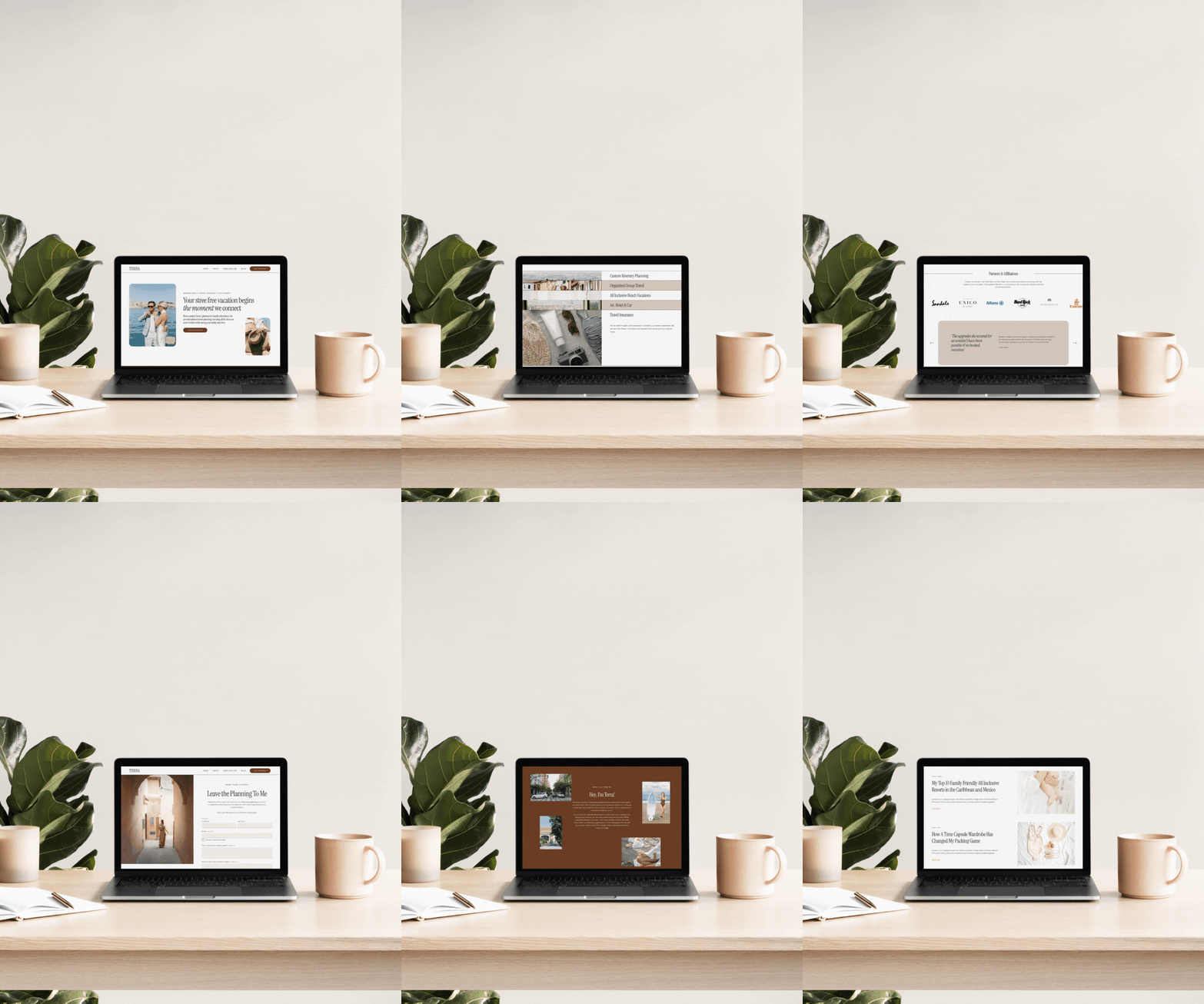
Improve your client process with templates & resources — made just for Travel Advisors

Jump to what you’re here for…
Heads up - some shares (*) are affiliate links. It will not cost you anything extra, but I may receive a commission for sharing my love of the product or service I happily use or trust!
Business & Legal
Getting the admin side of your business organized is, personally, the least favourite part of being self-employed. These companies make getting started easy!
Squarespace*
My website host of choice as it’s an easy-to-manage platform once you’ve got the hang of it. Pair with scheduling, email marketing, commerce, and project management all in one!
20% off your first year through my design services or 10% off with code BIRCH10
Kommodo*
Record your screen for proposal & trip itinerary presentation, SOPs, tutorials, etc. Better price point and inclusive features than Loom. I’ve officially made the switch.

Termageddon*
This Privacy Policy & Terms of Use generator auto-updates when there are government changes. A hands-off approach to keeping yourself legal. From $99 USD/year.
Use the code BIRCH at checkout and receive 10% off your first payment! (annual will give you the best savings!)

Contracts Market*
Contract Templates for Canadians in CAD. Now available for US residents!
From website Terms & Privacy Policy bundles to contractor agreements and waivers, this is a go-to to cover your tush. This is a one-time payment for your template.

The Legal Paige*
Contract Templates and Website Terms & Conditions for USD & CAD residents. If you’re an independent Travel Advisor or Retreat Host cover yourself with the a contract template without spendy lawyer fees!
Use the code BIRCH10 at checkout and save 10% sitewide on The Legal Paige.
Squarespace Templates for DIY’ers
If you don’t have the budget for a custom website, some fantastic template shops offer pre-designed websites and included tutorials for the DIY’er to launch easily! Check out this post for some top recs!
If tech or time is an issue, book a week with me and I’ll re-style your selected template for your brand!

Big Cat Creative*
Get 10% off Squarespace templates with code BIRCH10 at checkout!

GoLive*
Get 10% off Squarespace templates with code BIRCHANDBUDDESIGN10 at checkout!


Styled Square*
Get 10% off Squarespace templates with code BIRCH10 at checkout!


Squarespace Plug-ins & Code Tutorials
I love Squarespace, but without any code, it can often feel templated. Custom code & javascript offer the potential to jazz up a website with animations and styling that you can’t do otherwise. See this post for some websites featuring custom code.

Squarestylist*
Unique code tutorials, plugins and templates for creative animations & design, including Standout Squarespace, a comprehensive design course.

SEOSpace*
SEOSpace’s plugin is the only tool of its kind that provides easy-to-follow recommendations on how to rank Squarespace websites on page 1 of Google.
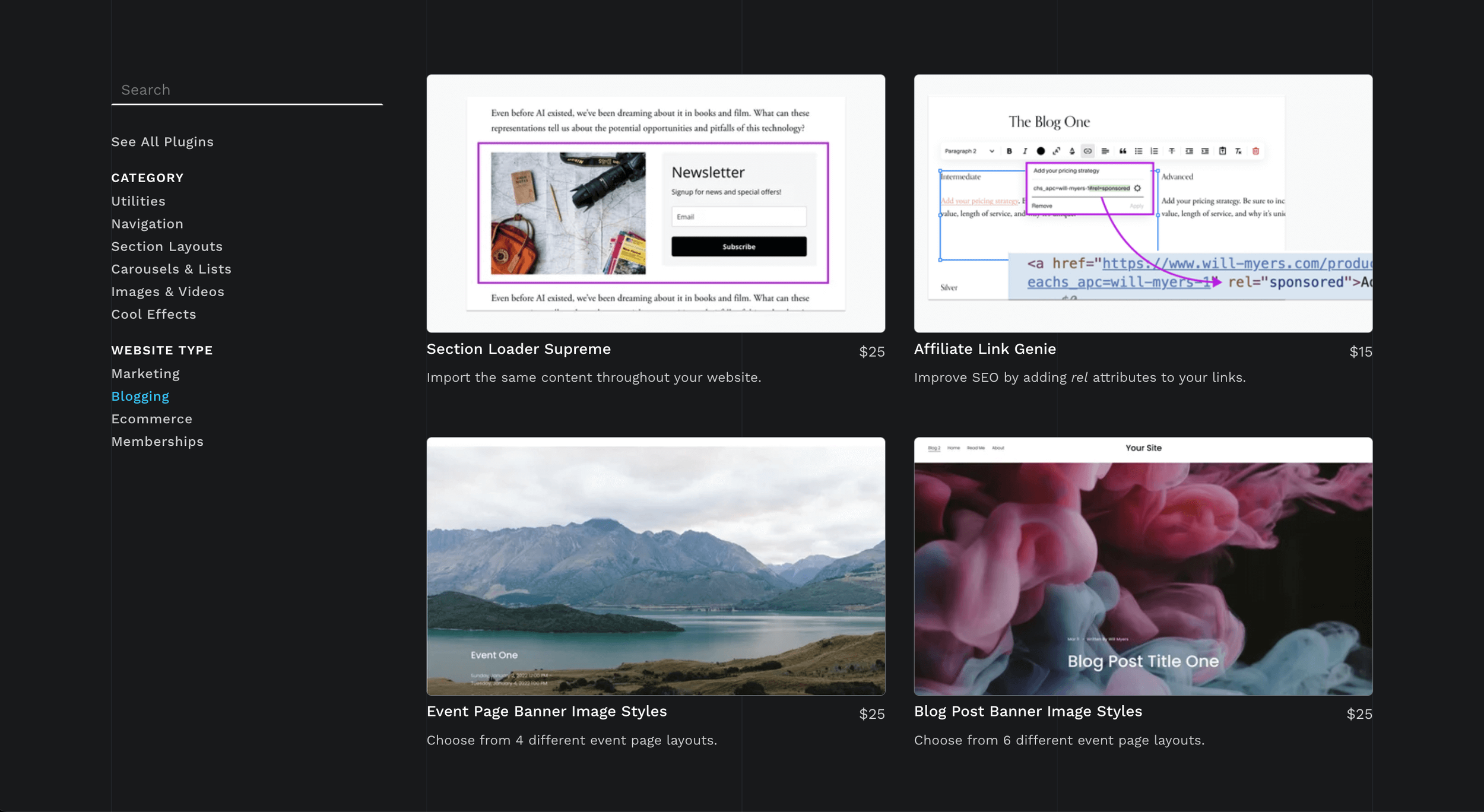
Will Myers*
Code Snippets & tutorials, a Curious Coder’s course, Will’s Toolkit membership, YouTube videos and easy-to-implement plugins for your Squarespace website.

Schwartz-Edmiston Design*
Chris’s blog has easy-to-follow custom coding tutorials and offers courses for advanced concepts to apply to your Squarespace website. He is a great teacher and his courses are lifetime access including future updates!

Beatriz Carabello*
Very in-depth code blog & courses. She explains what you do with the code so you are not just copying and pasting.
Becca has a YouTube channel, courses and handy guides to uplevel your code knowledge and teach you some fancy new things.
Advanced Squarespace Plugins for your Squarespace website. Most popular include the Blog Sidebar, Masonry Gallery, Countdown Timer, Accordion Tabs and more.
Advanced plugins like the Universal Filter, Lazy Load Summary Block, Map and Table blocks and more to enhance the capabilities of your Squarespace website.

freebie | nail your client testimonials
Results-oriented testimonials for your website project are critical
Gathering client feedback is imperative to improve your client process, mine for clues to better website copy and content, and prove you’re as amazing as you say you are.
Grab my top offboarding questions to add to your client experience.


Email Marketing
By far the best way to convert those that aren’t ready to buy yet is through a nurture sequence and connection through emails. I know this, yet I know the struggle is real to stay on top of it. My favourite free & paid newsletter platforms are below to help with your game.

Squarespace*
Easy marketing with your branding built in and plans ranging from basic to advanced automation.
Save 20% off an annual subscription through my design services or 10% off with code BIRCH10

Flodesk*
The most beautiful templates for creatives or anyone who appreciates an aesthetic email. Get a free Link in Bio page to start, if you’re not using your website!
Save 25% off your first year with my link!

Mailerlite*
Great starter option with a free plan that also includes automation!
Save $20 off your first payment with my link!
Stock Photography
Photos can make or break your website. The images need to be consistent and relevant to your content. There are various free & paid resources available to meet your needs and brand style.
The absolute best resource is a brand photoshoot specific to your business. This creates a cohesive vibe online and allows your clients a glimpse into your environment. Need a recommendation in Kitchener - Waterloo region? Hit me up.
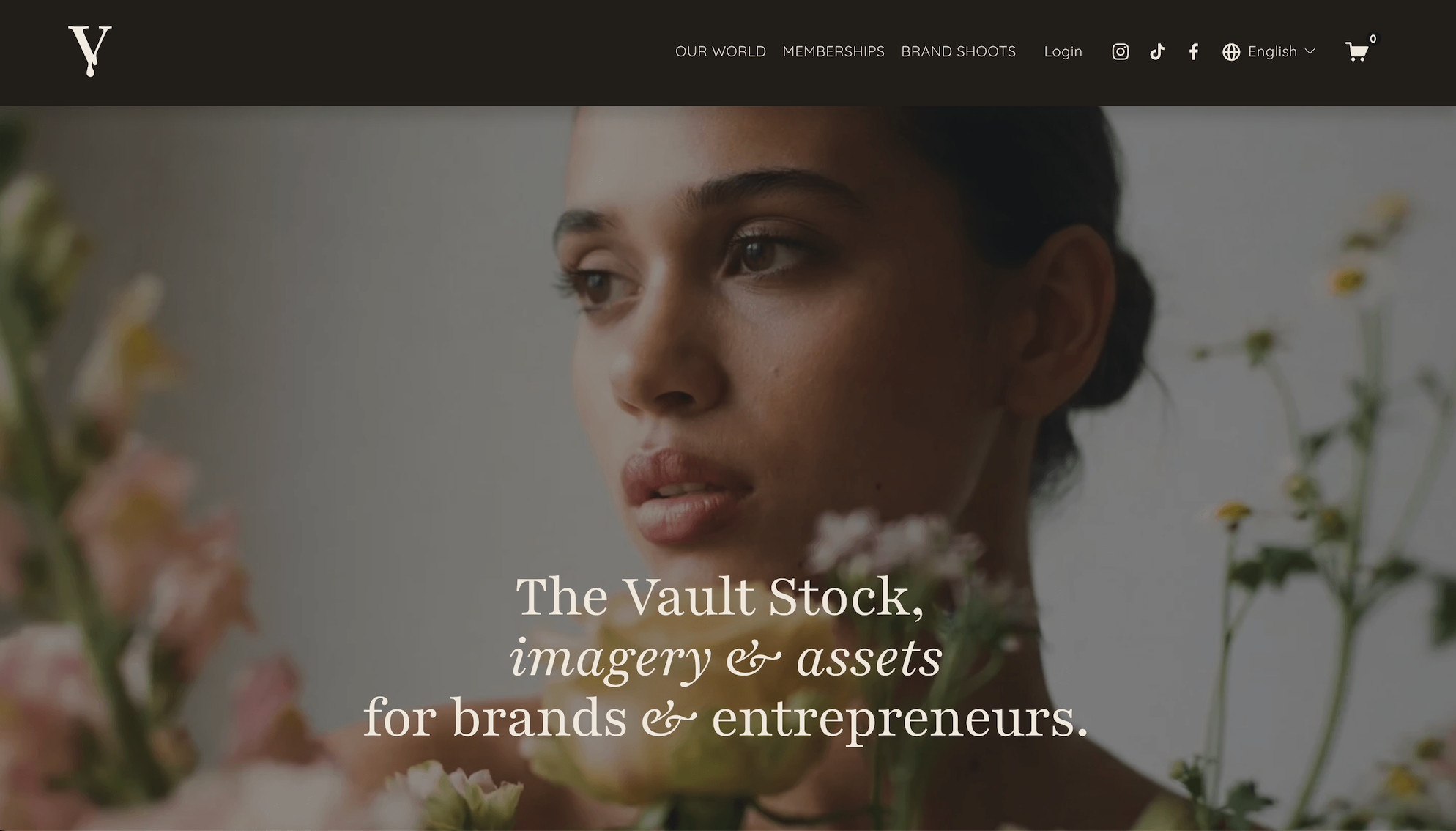
Vault Stock*
A go-to membership for editorial, elevated, scroll-stopping stock that doesn’t scream template. Fresh imagery, video, and creative assets so your brand looks polished, cohesive, and a little bit ahead of everyone else.

Styled Stock Society*
Quarterly Membership available.
Feminine images are well-edited and they also include many custom Canva templates for social, workbooks & marketing.

Pexels
One of my favourite free stock imagery sources. More editorial look with a great search feature.
A paid marketplace of custom fonts, graphics, stock images, templates and more.
Neutral and modern paid stock imagery collections for photographers and creatives.
Large collection of filterable free stock photos you can use unlicensed.
Both free stock photo sites include graphics and vectors.
On trend, royalty-free stock imagery submitted by people just like you.
education & training
Courses I’ve loved
Investing in ongoing education is one of the best things we can do for our growth. Next to blogs and podcasts, courses by peers I admire is my favourite way to learn. I have taken many, many courses and these are ones worth mentioning. No matter where we are at in our entrepreneur or design journey, investing in education & skills is paramount to ask the same of our clients.
Here’s a look at a few of my favourites and recent investments.

Squarestylist | Standout Squarespace*
Hands down the best investment I’ve ever made. Rache is a methodical and thorough teacher and so generous in time and knowledge with her community. With a focus on CSS and coding Squarespace websites efficiently and creating standout designs, this course is a must for any designer looking to up level their client designs & experience.

ilovecreatives | Squarespace Design Course
This was my first investment and introduction to design & coding in Squarespace. Puno has a fun and engaging way to teach & I admit I haven’t finished the course before I jumped into others. Still highly recommend it if you’re an independent learner.
LOOKING FOR MORE TIPS?






Get found by the clients who are already looking for you.
You built the website. You wrote the copy, finally. And you still have no real sense of whether Google knows you exist.
What you need is a handful of specific settings done correctly, and a short list of the right keywords, and that's genuinely most of it.
This is the layer that sits underneath your website copy, the technical and strategic groundwork many skip because it’s never been laid out.
This is for you if:
Your website copy already exists or is in process
You want a clear, ordered checklist instead of scattered advice to get your SEO fundamentals optimized
Bonus if you're on Squarespace: several sections walk through exact settings on the backend
This isn't for you if:
You want someone to implement it for you rather than a guide to work through